
AMD FSR SDK
AMD FSR™ SDK v2.3 is the launchpad for our ML-based FSR "Redstone" rendering technologies, inc. AMD FSR Upscaling, Frame Generation, Ray Regeneration, and Radiance Caching.

ML-enhanced upscaling
ML-enhanced upscaling
AMD FSR™ Upscaling is a cutting-edge upscaler that delivers significant image quality improvements over previous FSR generations. Our ML-powered upscaler (formerly AMD FidelityFX™ Super Resolution 4) uses neural networks to reconstruct visuals from lower-resolution frames that match or exceed native rendering quality, thus delivering a substantial boost in game performance.
Trained on high-quality game data using AMD Instinct™ GPUs, AMD FSR Upscaling leverages ML-based inference in AMD RDNA™ 4 and RDNA 3 architecture discrete graphics cards for optimal quality and performance. Backward compatibility is maintained through analytical upscaling paths with AMD FSR 3 for RDNA 3.5 and RDNA 2 architecture and older GPUs.
AMD FSR Upscaling delivers:
Supports:
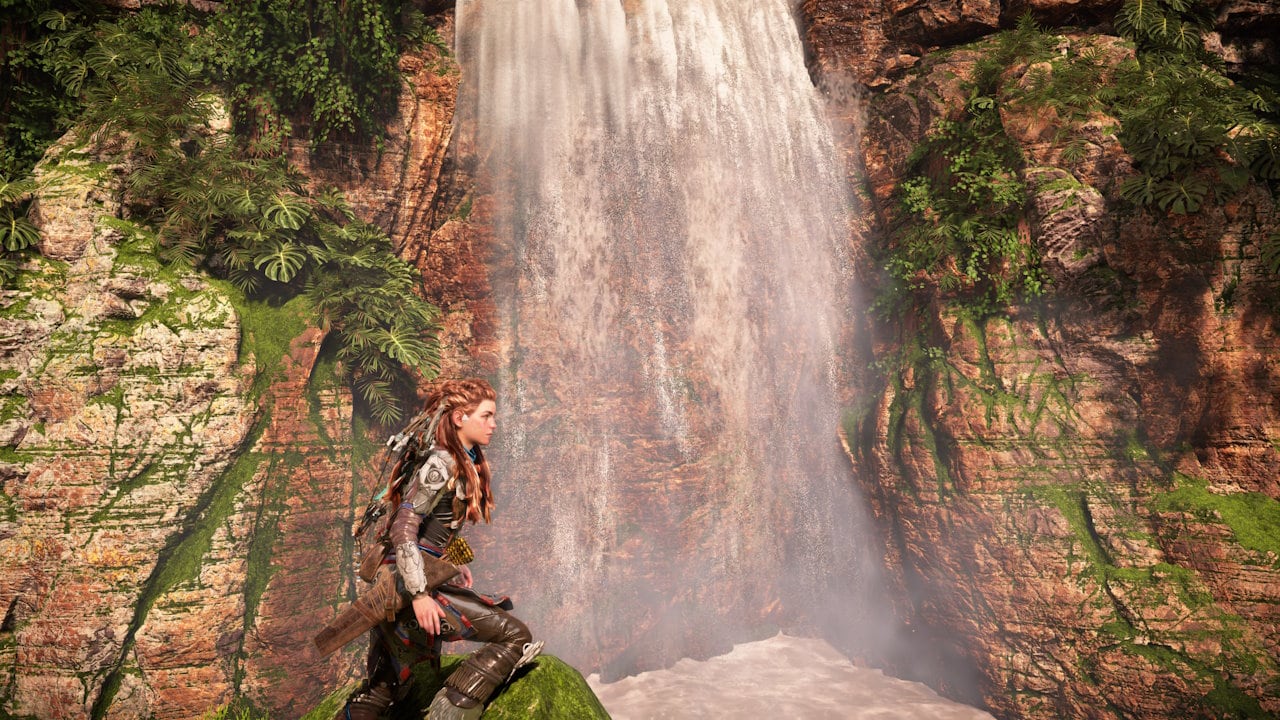
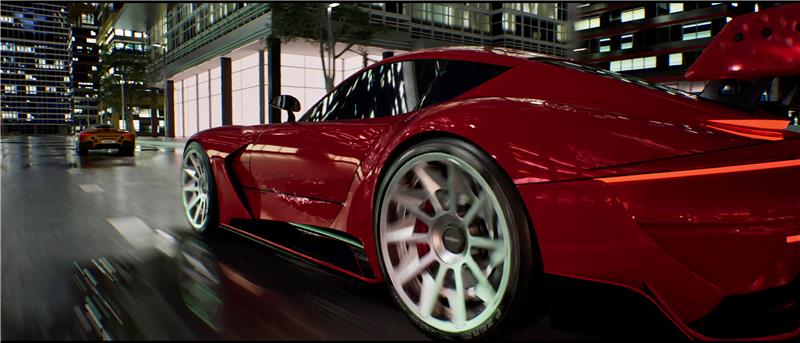
AMD FSR Upscaling delivers a significant image quality improvement over previous FSR versions, with the ML-based algorithm designed to improve temporal stability, better preserve detail, and reduce ghosting.
AMD FSR Upscaling reduces ghosting on moving objects and eliminates artifacts from disoccluded surfaces compared to FSR 3.1. This significantly improves image quality during gameplay.
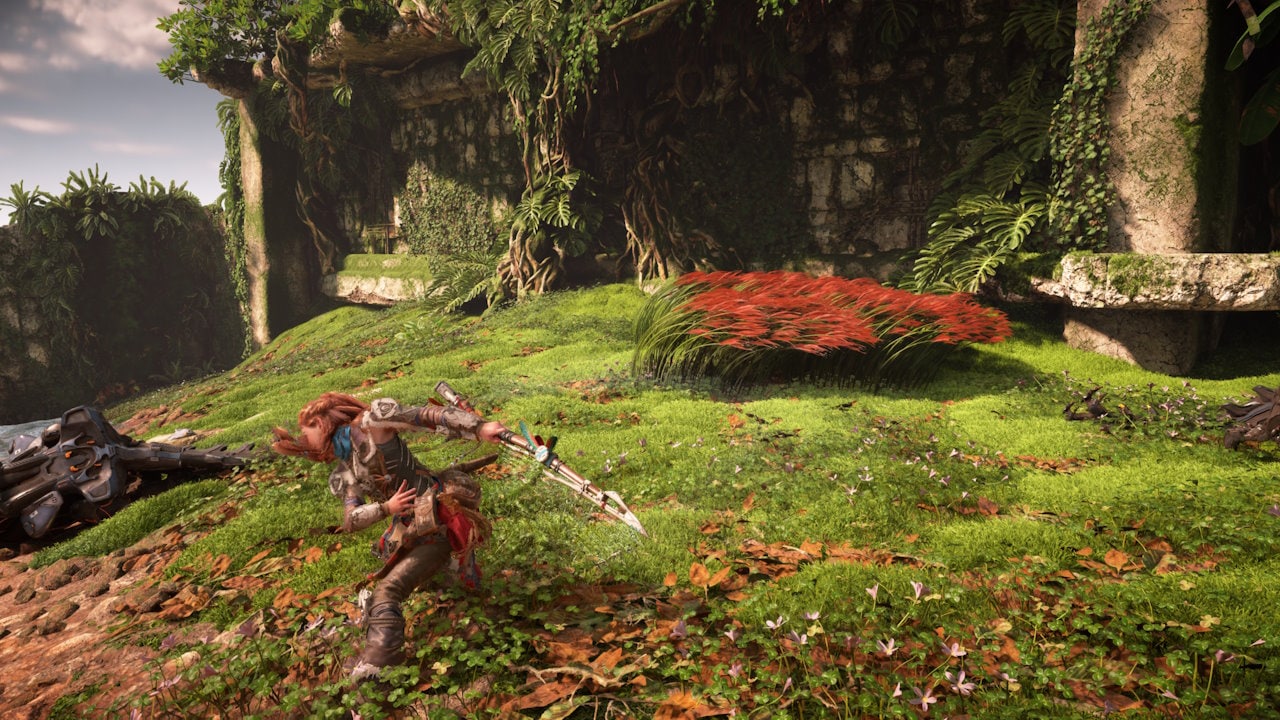
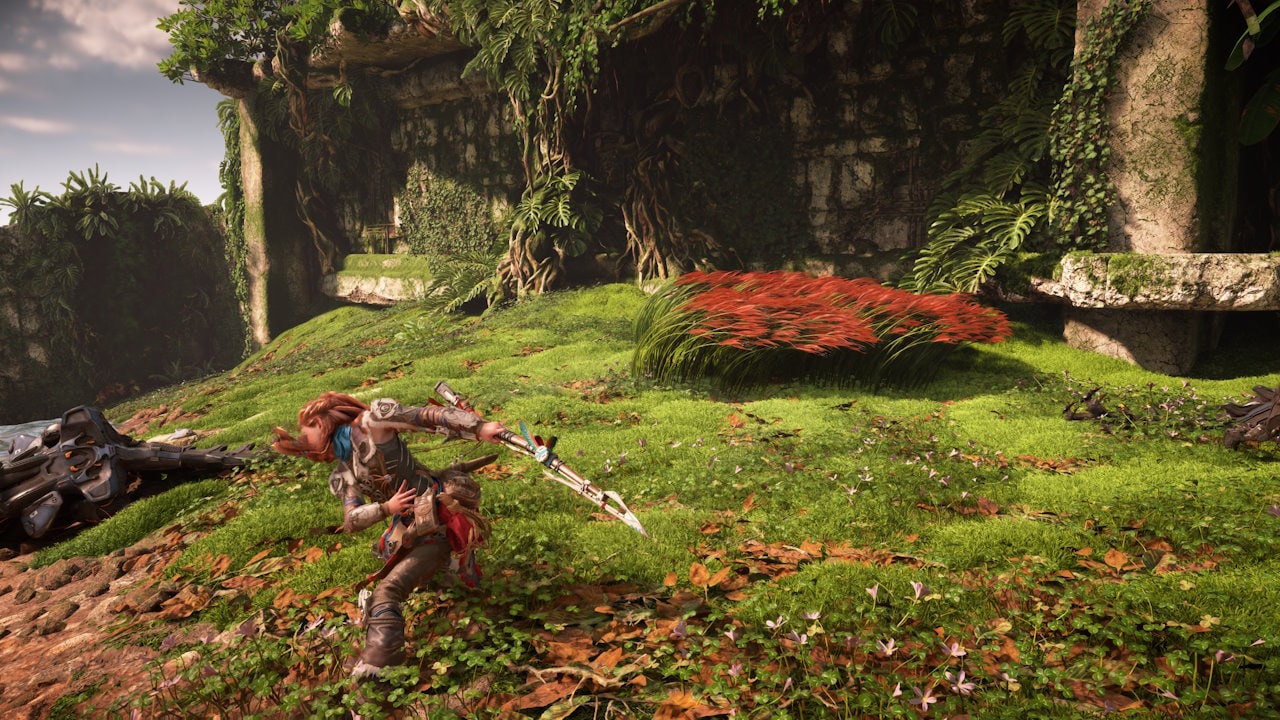
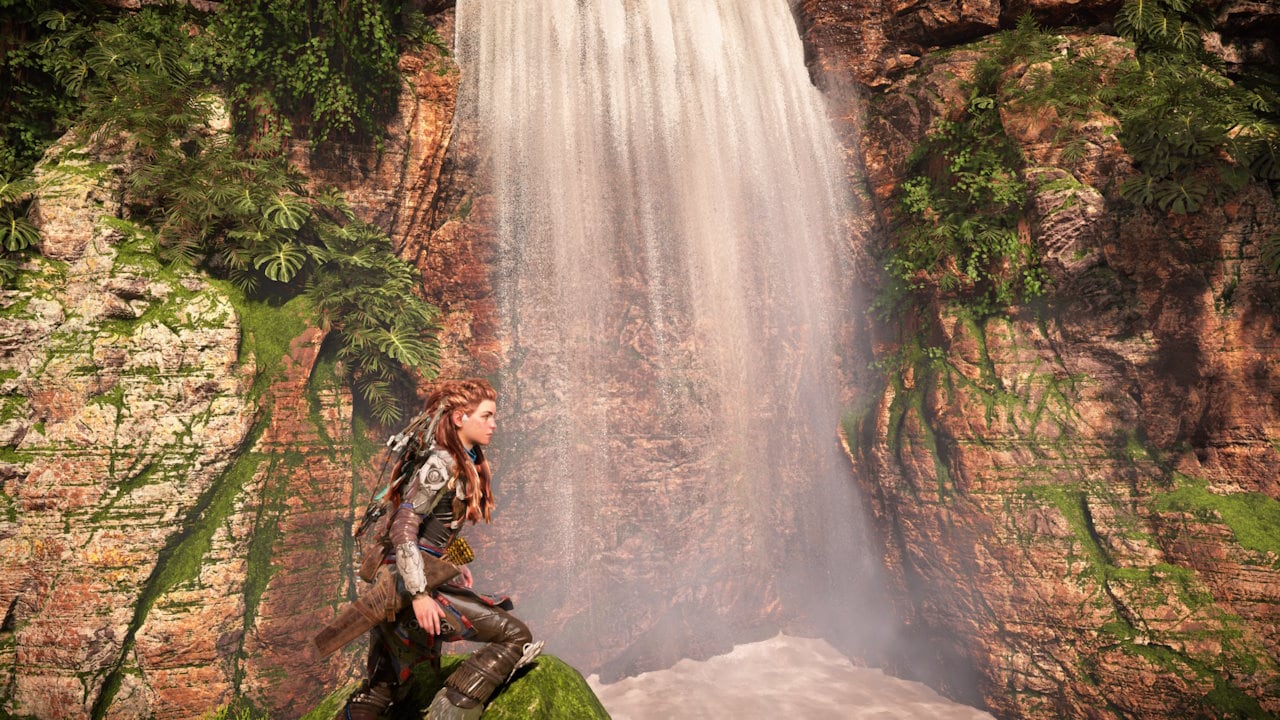
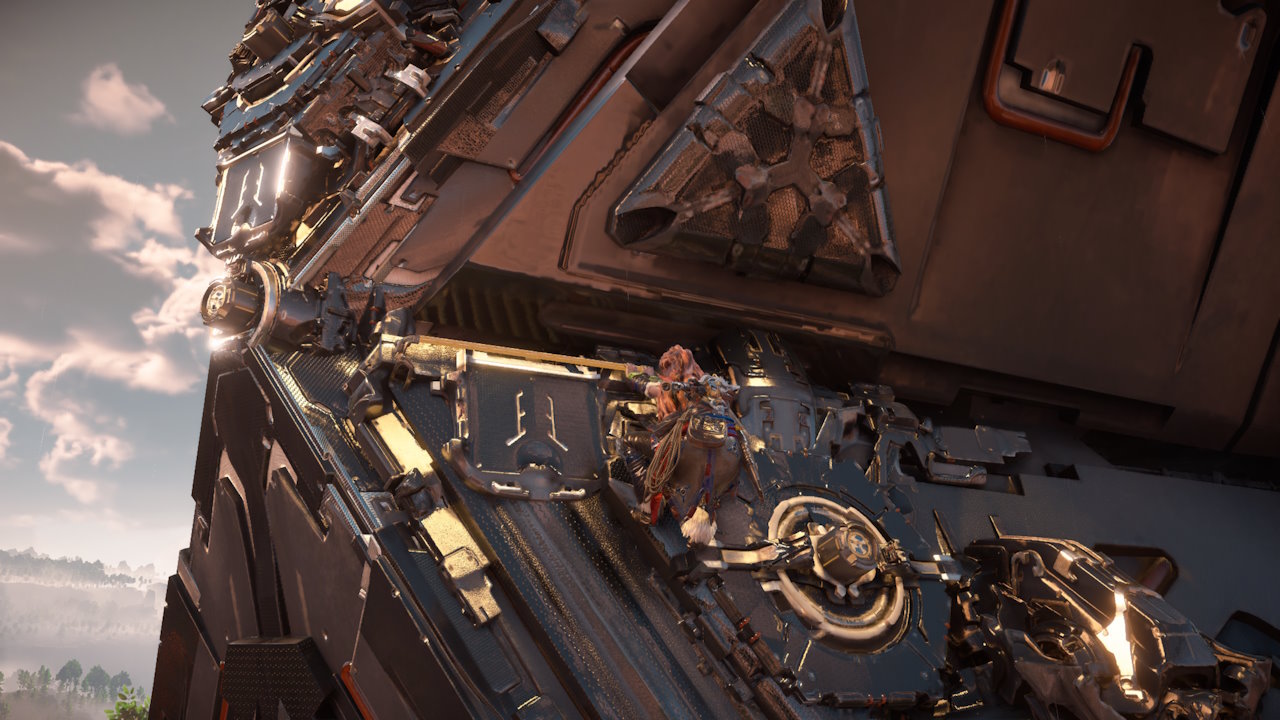
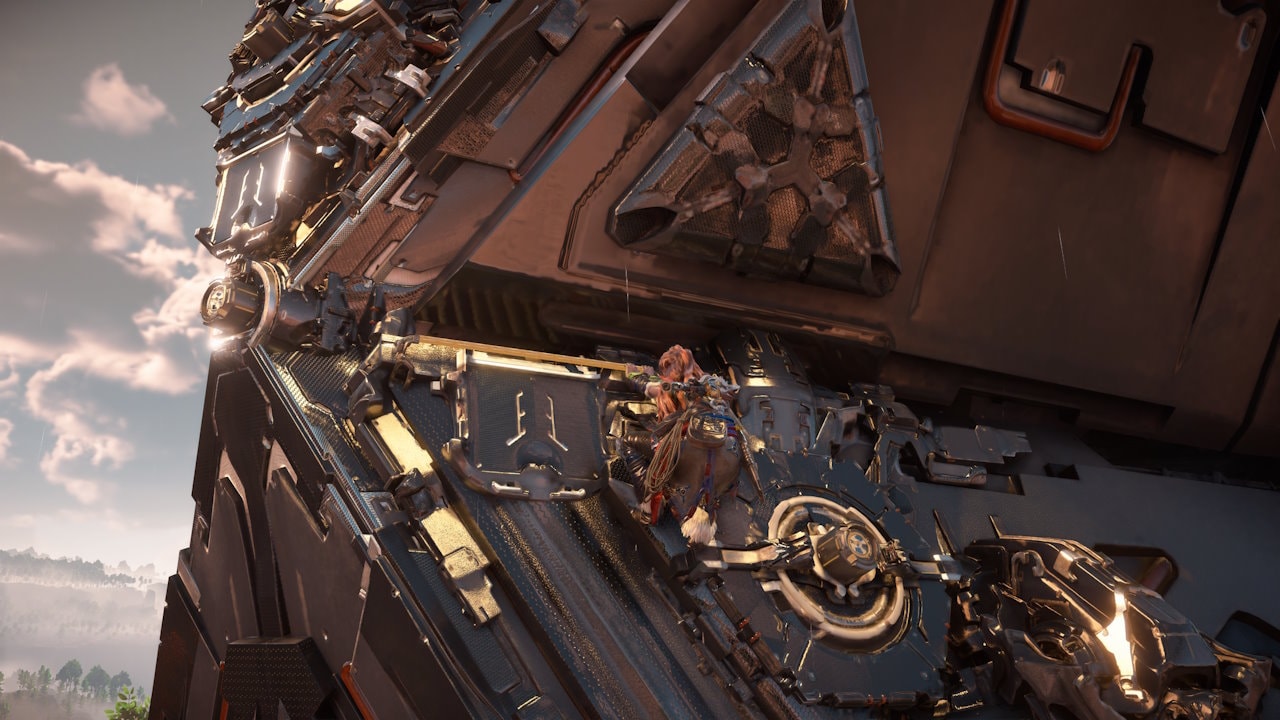
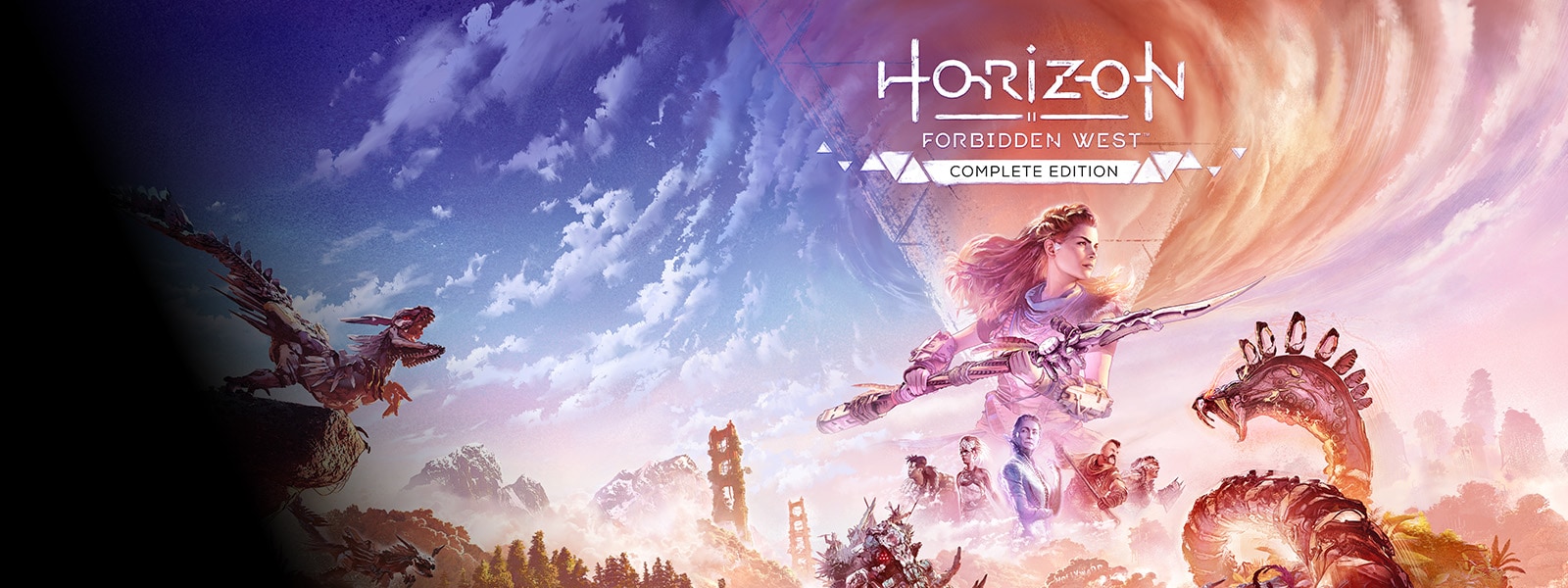
Horizon Forbidden West™ Complete Edition AMD FSR Upscaling examples
Closer look:
Visual detail within particle effects is now preserved when in motion with AMD FSR Upscaling. The ML-accelerated algorithm preserves particle system details even in motion, without requiring developers to provide Reactive or Transparency masks.
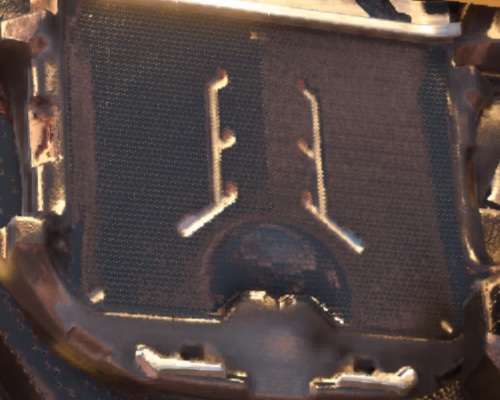
AMD FSR Upscaling extracts finer detail, improving image clarity and temporal stability versus FSR 3.1. Flickering is reduced on small, thin features and high specular surfaces.
Closer look:
To make it even easier to integrate AMD FSR Upscaling into titles built with Unreal Engine 5 we have developed an FSR Upscaling plugin supporting UE 5.3 up to the latest 5.8 release.
Our Unreal Engine 5 FSR Upscaling plugin installation guide should not be missed for extra guidance with FSR Upscaling. And for more general Unreal Engine performance, our Unreal Engine performance guide will make sure you get the best results in your game.
AMD FSR Upscaling continues to use the FSR API (FidelityFX API) introduced in FSR 3.1, providing an easy update path for developers. New features are exposed using the extensibility of the API.
AMD FSR Upscaling is available only as prebuilt, signed DLLs as part of AMD FSR SDK (FidelityFX SDK) official releases to ensure stability and upgradability.
AMD FSR Upscaling requires integration using the FSR API (FidelityFX API) and use of the signed binary distribution.
Key integration points:
FFX_UPSCALE_ENABLE_NON_LINEAR_COLORSPACE flag).For detailed integration guidelines, see our AMD FSR Upscaling documentation.
We provide localization strings for all versions of AMD FSR for use where you refer to FSR in your game. You can find these on our AMD FSR Naming Guidelines page.
With AMD FSR Upscaling, future AMD Software: Adrenalin Edition™ releases can update the version of FSR Upscaling used in-game to the latest version available by default. This ensures players experience the highest quality upscaling without requiring updates for each title.
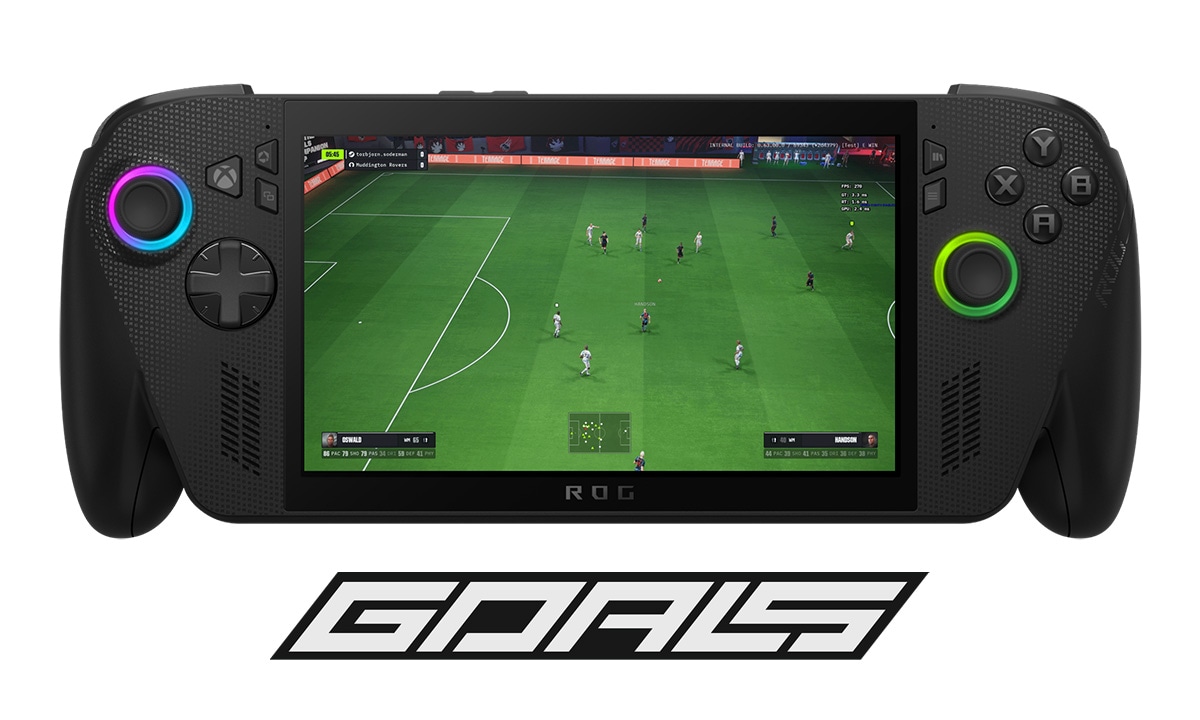
AMD FSR Upscaling works seamlessly with AMD FSR Frame Generation and AMD Radeon Anti-Lag 2 for ultra-smooth, ultra-responsive gaming at incredible frame rates on AMD Radeon RX 9000 Series graphics cards.
AMD FSR SDK 2.0+ (FidelityFX SDK) requires developers interact with the SDK using the amd_fidelityfx_loader.dll.
amd_fidelityfx_upscaler.dll provides access to AMD FSR 2 and 3.1.5, and AMD FSR Upscaling 4.
AMD FSR Upscaling comes with an optional sharpening pass. It is strongly recommended that games expose a sharpening slider – this is a common request from players.
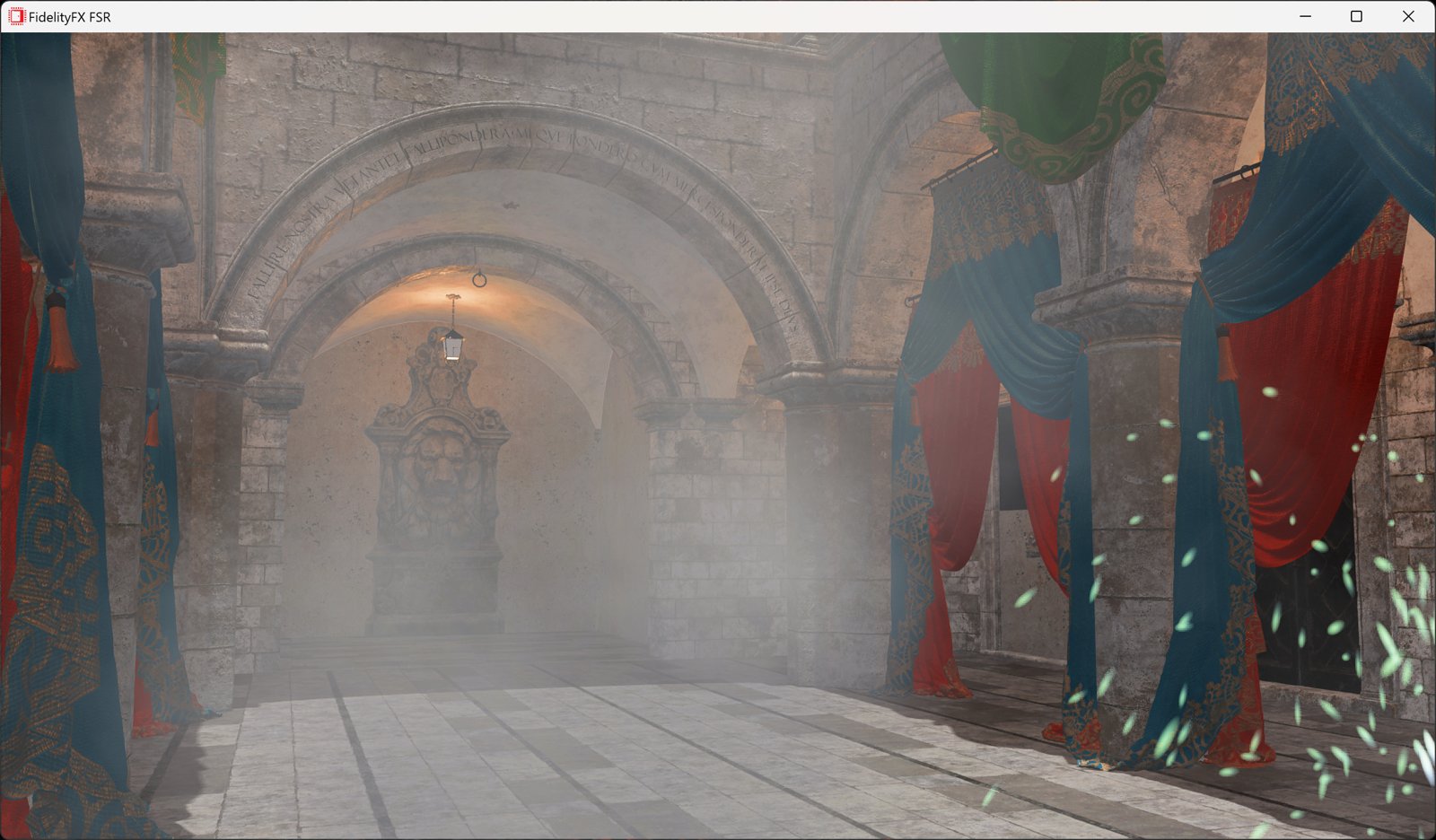
AMD FSR Upscaling has a debug view for integration testing. When enabled, motion vectors are displayed on the top left, and blend factor information on the top right. Read more in our AMD FSR Upscaling documentation.
There are more substantial notes in our main documentation pages.
AMD FSR Upscaling maintains the same quality modes from earlier FSR implementations – Native AA, Quality, Balanced, Performance, with Ultra Performance as an optional mode. These vary the amount of scaling to apply to the source image, depending on the quality/performance ratio desired.
Note: AMD FSR Upscaling no longer requires reactive and transparency + composition masks to work correctly.
| FSR Upscaling quality mode | Description | Scale factor | Input resolution | Output resolution |
|---|---|---|---|---|
| Native AA | Native AA mode provides an image quality superior to native rendering with a modest performance cost. | 1.0x per dimension (1.0x area scale) (100% screen resolution) | 1920 x 1080 2560 x 1440 3840 x 2160 | 1920 x 1080 2560 x 1440 3840 x 2160 |
| Quality | Quality mode provides an image quality equal or superior to native rendering with a significant performance gain. | 1.5x per dimension (2.25x area scale) (67% screen resolution) | 1280 x 720 1706 x 960 2560 x 1440 | 1920 x 1080 2560 x 1440 3840 x 2160 |
| Balanced | Balanced mode offers an ideal compromise between image quality and performance gains. | 1.7x per dimension (2.89x area scale) (59% screen resolution) | 1129 x 635 1506 x 847 2259 x 1270 | 1920 x 1080 2560 x 1440 3840 x 2160 |
| Performance | Performance mode provides an image quality similar to native rendering with a major performance gain. | 2.0x per dimension (4x area scale) (50% screen resolution) | 960 x 540 1280 x 720 1920 x 1080 | 1920 x 1080 2560 x 1440 3840 x 2160 |
| Ultra Performance (Optional) | Ultra Performance mode provides the highest performance gain while still maintaining an image quality representative of native rendering. | 3.0x per dimension (9x area scale) (33% screen resolution) | 640 x 360 854 x 480 1280 x 720 | 1920 x 1080 2560 x 1440 3840 x 2160 |
AMD FSR Upscaling delivers excellent performance on AMD Radeon RX 9000 and RX 7000 Series discrete GPUs. Performance mode upscaling times:
| GPU | Target Resolution | Time |
|---|---|---|
| AMD Radeon RX 9070 XT | 3840×2160 (4K) | ~1.3ms |
| AMD Radeon RX 9070 XT | 1920×1080 (1080p) | ~0.35ms |
| AMD Radeon RX 7900 XTX | 3840×2160 (4K) | ~3.1ms |
| AMD Radeon RX 7800 XT | 2560x1440 (2K) | ~2.1ms |
| AMD Radeon RX 7600 | 1920x1080 (1080p) | ~2.0ms |
| Resolution | Working Set |
|---|---|
| 7680×4320 (8K) | ~1274 MB |
| 3840×2160 (4K) | ~318 MB |
| 1920×1080 (1080p) | ~81 MB |
Figures are approximations, rounded to nearest MB using an AMD Radeon RX 9070 XT GPU, and are subject to change. These do not change significantly between GPUs.
Supported GPUs
Shading language
Supported graphics APIs
Supported OSs
E1: Image comparisons performed on an AMD Radeon™ RX 9070 XT graphics card at 3840x2160, High Quality Preset, AMD FSR Upscaling Performance mode, HDR Off, Motion Blur Disabled using pre-release software.
DirectX and Windows are trademarks of the Microsoft group of companies.
Horizon Forbidden West™ Complete Edition © 2024 Sony Interactive Entertainment Europe. Developed by Guerrilla. Horizon Forbidden West is a trademark of Sony Interactive Entertainment LLC.
Unreal® is a trademark or registered trademark of Epic Games, Inc. in the United States of America and elsewhere.