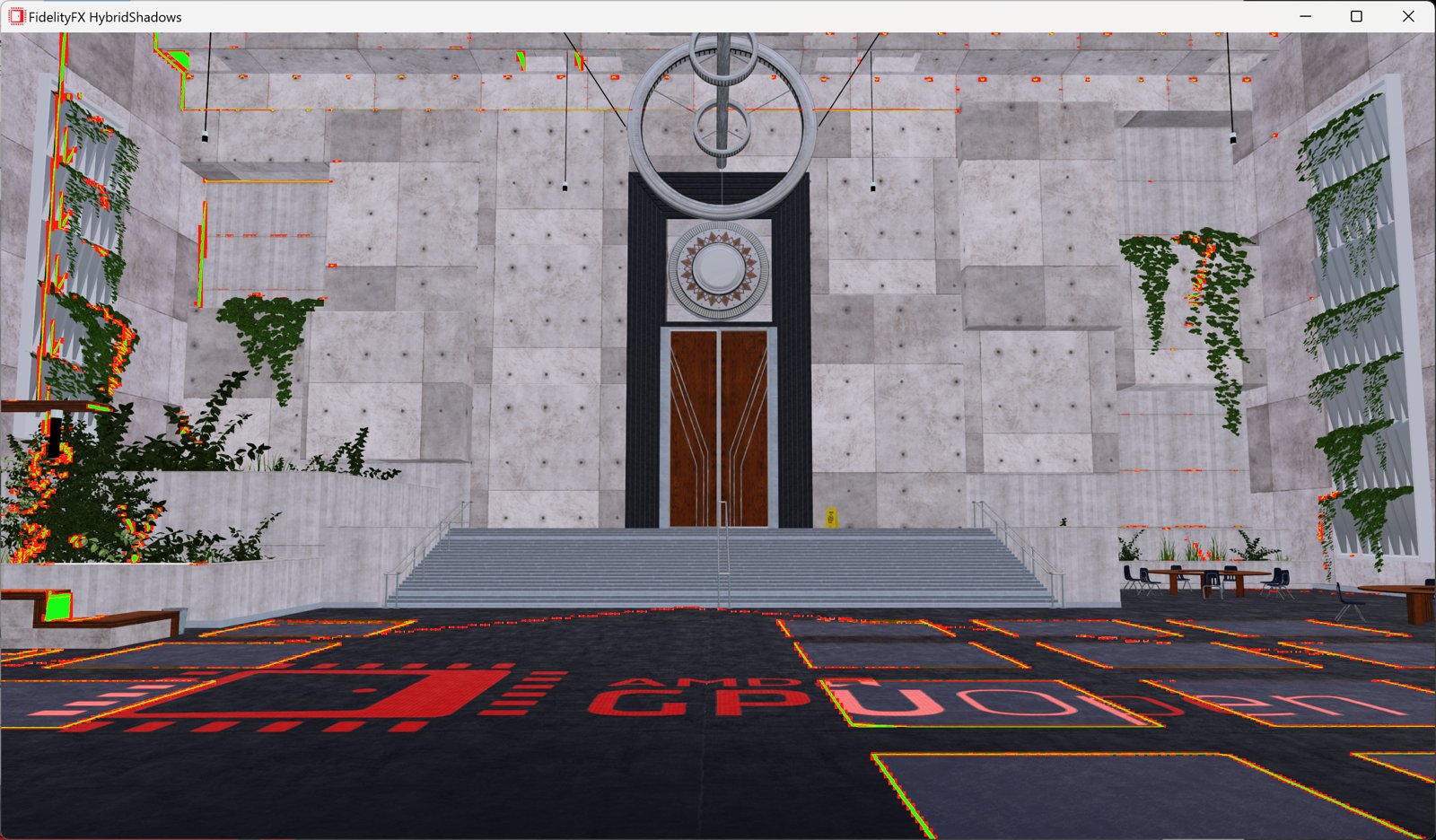
AMD FidelityFX™ Hybrid Shadows sample
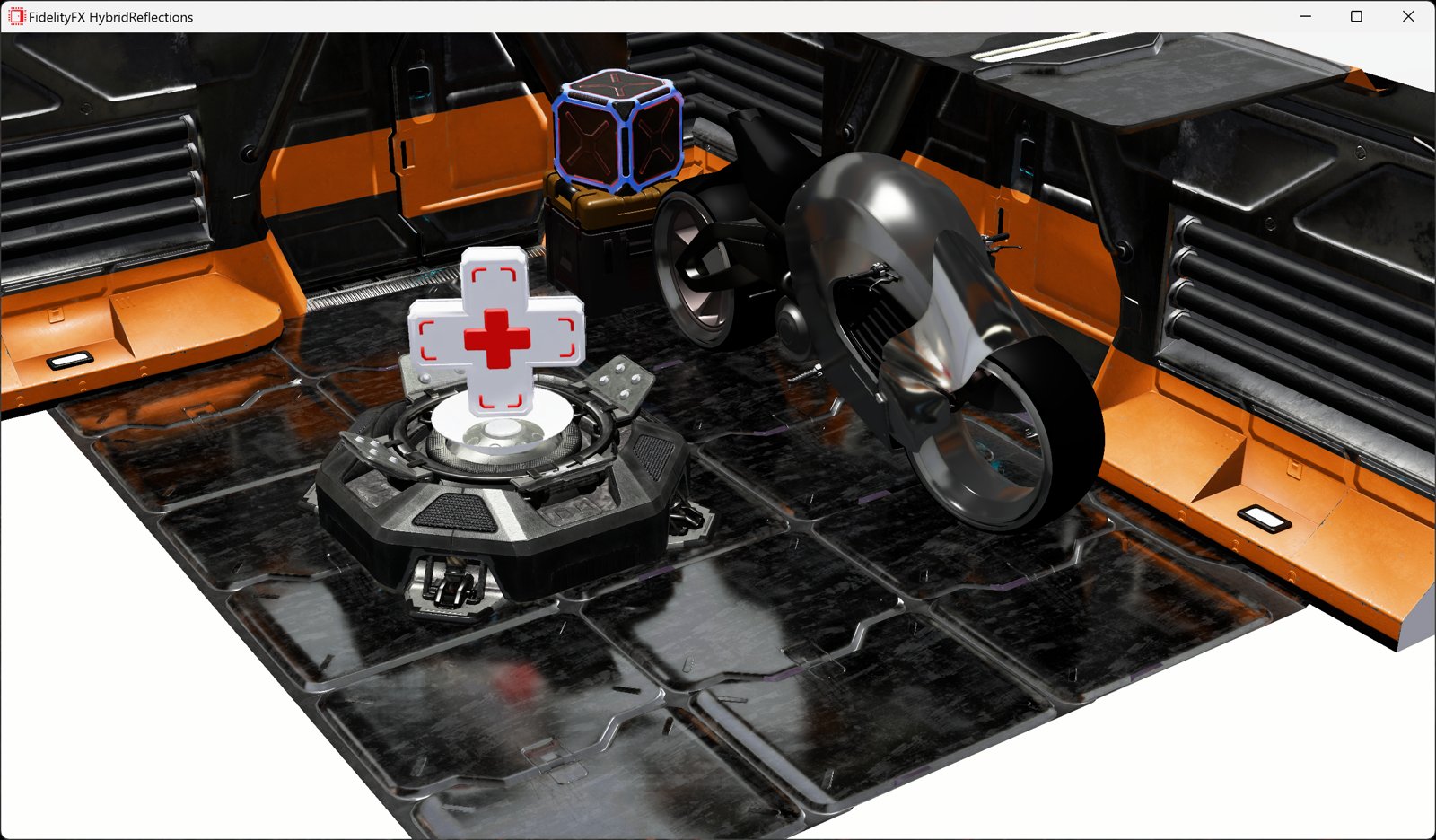
This sample demonstrates how to combine ray traced shadows and rasterized shadow maps together to achieve high quality and performance.

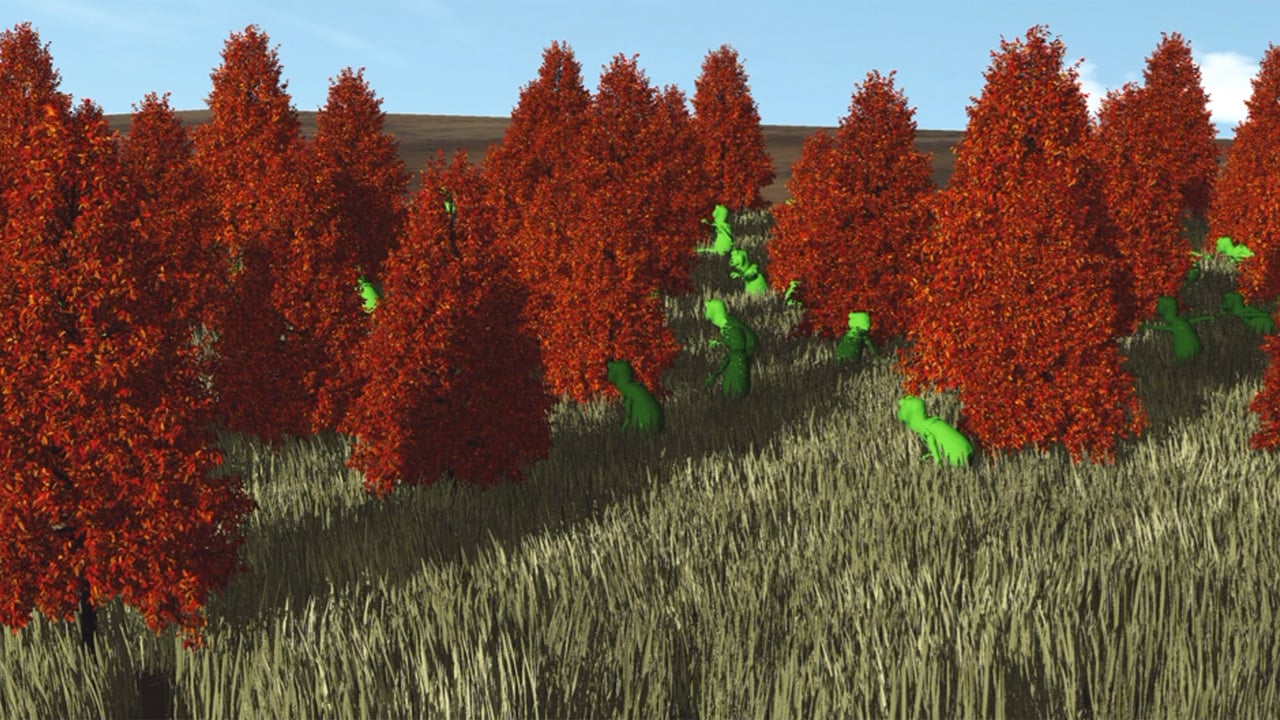
The new large-scale terrain demo video below shows ~25k independently animated plants that are ray-traced using animating tetrahedral cages. At maximum LOD, the plants in the scene represent about 2.8 billion triangles. After LOD selection, roughly 500 million animated plant-triangles are ray traced per frame, using primary and shadow rays at 60+ FPS at 1080p on an AMD Radeon™ RX 9070 XT graphics card. If you are wondering why you’d need to independently animate plants, imagine that each plant needs to respond to a wind-field simulation with locally varying wind directions.
The key result is not the count of animated triangles; it is the reduction in acceleration-structure memory and BVH update cost. The tetrahedral cage representation in the video uses ~1.7 GB of BVH memory and approximately 3.3ms for all BVH updates per frame. Updating conventional dense triangle BLAS objects for the same independently animated scene requires up to 80GB of GPU memory and more than 300ms per frame for BVH updates on a Radeon RX 9070 XT GPU.
With conventional implementations for raytracing animated geometry, every uniquely animated object produces unique vertex positions and therefore needs to store and update unique acceleration structures representing that geometry state.
Tet-cages work differently. A dense mesh is enclosed by a much smaller deformable tetrahedral cage. The dense geometry of an animated object and its BVH structures remain static and reusable. During runtime, only the cage deforms. Rays are transformed back into a static reference frame before intersecting them with the dense set of triangles. This means animation cost only scales with cage complexity, not with triangle count. This comes at the expense of losing animation control over every vertex, but this is fine for many animations.
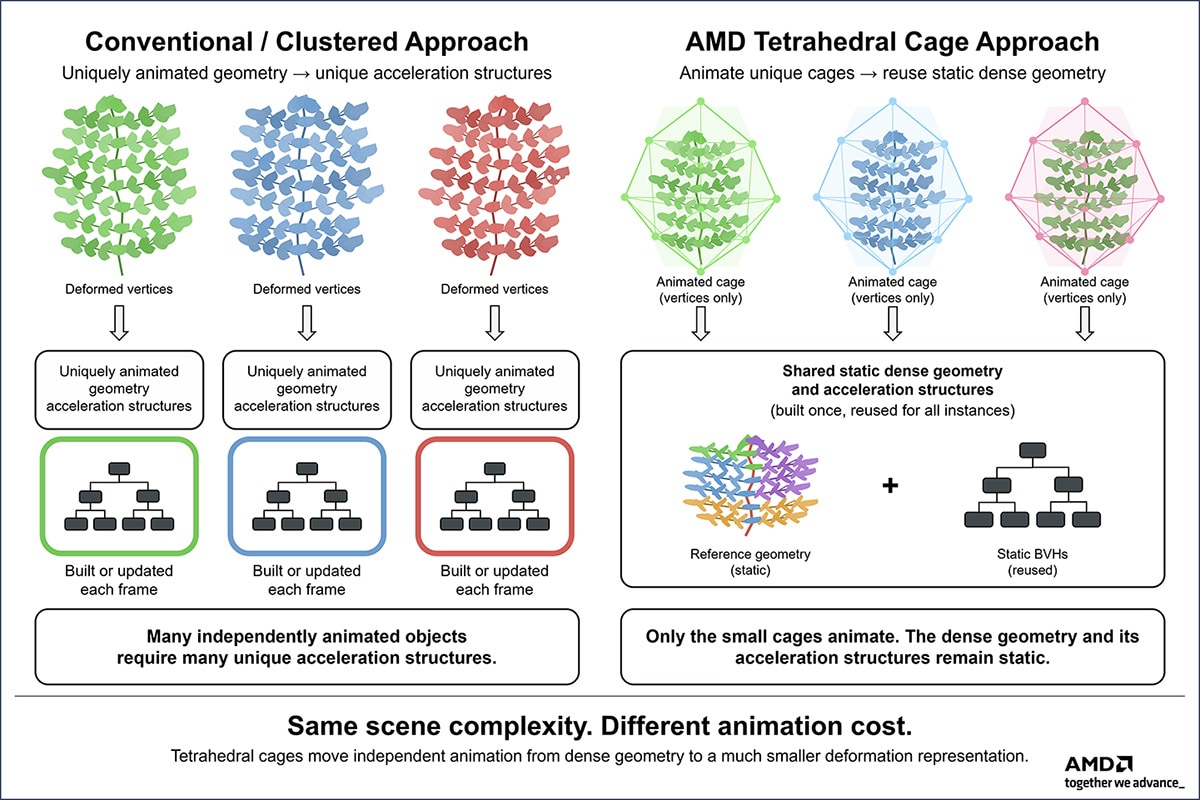
Figure 1. Independently animated dense geometry requires unique acceleration-structure state, while tetrahedral cages keep dense geometry and BVHs static and reusable.
Cluster-level acceleration structures can make dynamic geometry updates much faster and save a lot of GPU memory. Yet uniquely deforming geometry still requires unique cluster acceleration structures to be instantiated or updated and finally stored in GPU memory. This is still what you want to do for animations that need the best quality.
The differences between cluster level acceleration and tetrahedral cages are these:
| Cluster-level acceleration structures | Tetrahedral cages |
|---|---|
| Considerable memory savings | Even smaller memory footprints |
| Accelerated BVH rebuilds/updates | Avoids building dense BVH structure altogether |
| Need to animate and store every deforming vertex | Only animate and store the vertices of the cage |
Make sure to investigate if you can use tetrahedral cages on some of your animating geometry. The chances are high that they will speed up your raytraced game considerably. You can combine tetrahedral cages with Microsoft DirectX® Raytracing (DXR) and the DXR Functional Spec, Part 2. Read our paper and the technical blog linked below to understand all the technical details.
Links to third party sites are provided for convenience and unless explicitly stated, AMD is not responsible for the contents of such linked sites and no endorsement is implied. GD-97.
DirectX is a trademark of the Microsoft group of companies.